Communities
Projects
Working on something together inside a community, with goals, tasks, a lead who rotates, and a chat.
Draft. This page is a preview of the new guide. Its illustrations are drafts still in review.
A project is a piece of work some of a community's members take on together: planting a garden, organising a reunion, building something. Projects are under the community's Projects tab, and Projects in the sidebar lists the ones you're in across all your communities.
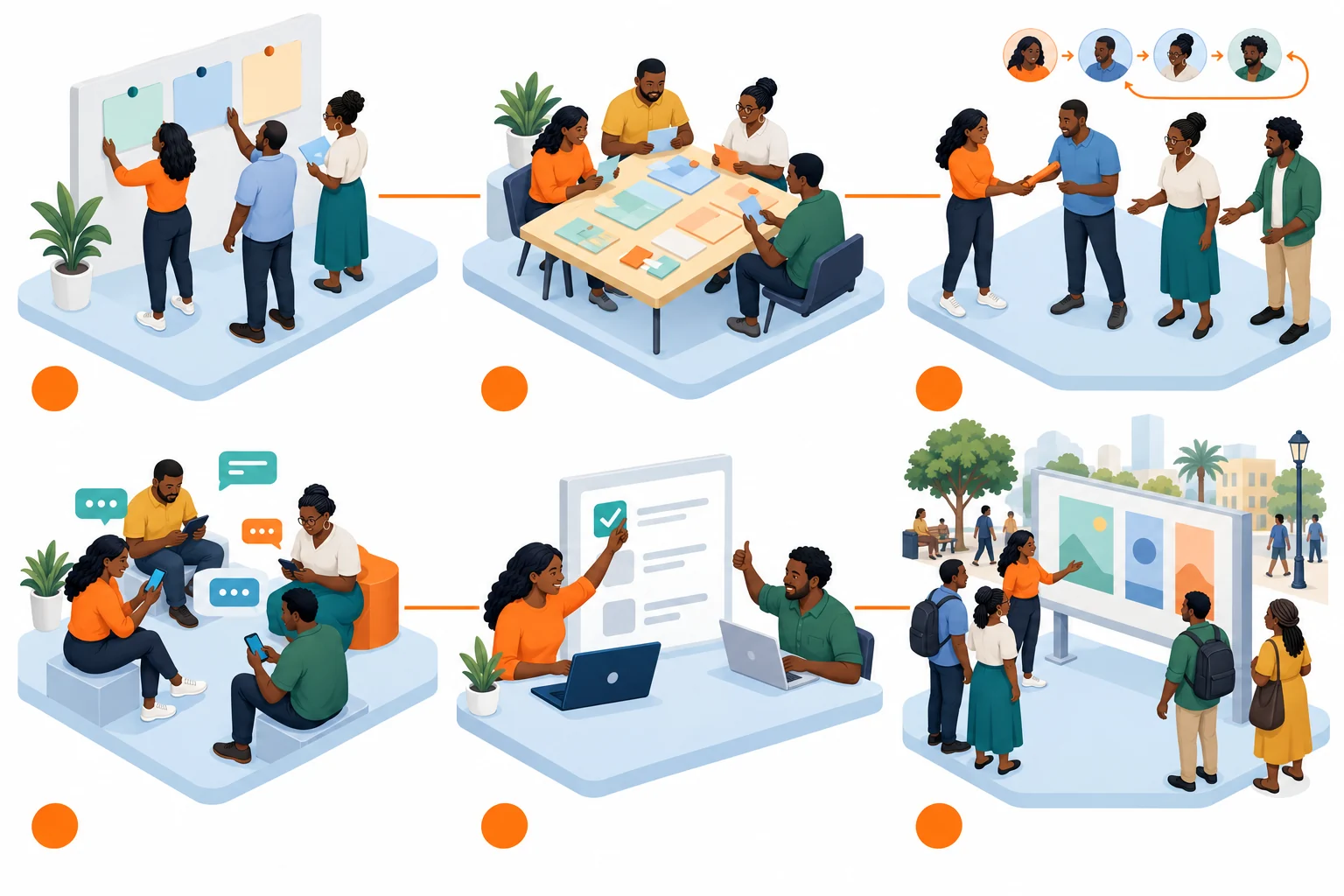
- Plan the phases
- Share the tasks
- Rotate the lead
- Talk it through
- Finish and confirm
- Share it, if you choose
A project from its plan to its finished work.
- Plan the phases. Create the project with a title and a description, then add goals, each with an optional target date. A project can require its members to have adopted certain protocols first; the app tells you which ones you're missing when you join.
- Share the tasks. Under Tasks, assign a task to a member, with an optional due date. Filter them by all, open, mine or done.
- Rotate the lead. Under Rotation, a project member can turn on lead rotation: each member takes a turn leading for a set number of days (seven by default), and the others are their hands. You can list phases in advance; each lead can rename their own phase, and writes a short summary when their turn ends. The schedule shows who leads when.
- Talk it through. Each project has its own Chat, for its members.
- Finish and confirm. Tasks are marked done as they're finished, and progress notes record how things went.
- Share it, if you choose. A project is private to the community by default. You can make it public, which lists it in the directory so others can find it, on its own, separately from the community. Making it private again removes the listing.