Script Editor
Script Editor
Open the 📜 button in the toolbar. Each line is a terminal command. Comments start with #. Blank lines are ignored.
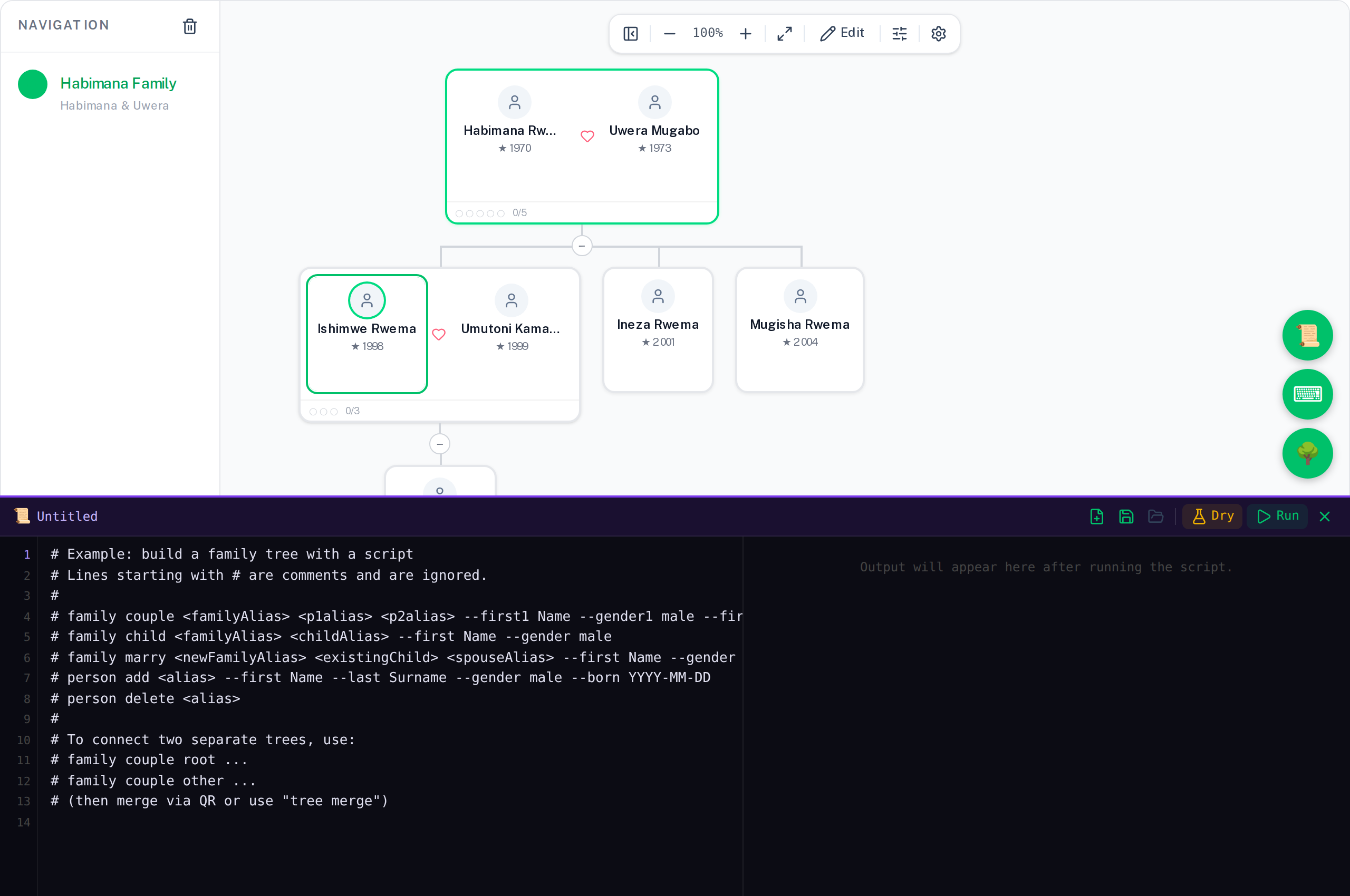
# Build the Kamanzi family from scratch
family couple gen1 father mother \
  --first1 Habimana --gender1 male --last1 Kamanzi --born1 1955-04-02 \
  --first2 Uwera --gender2 female --last2 Mugabo --born2 1958-09-14 \
  --name "Kamanzi Family"
family child gen1 me --first Ishimwe --gender male --born 1984-11-22
family child gen1 sister --first Ineza --gender female --born 1987-03-10
me me
Dry run
Click Dry Run to preview what the script would do without making any changes. Each line's result is shown. Errors are highlighted. All aliases and tree data revert when it finishes.
Saving scripts
Click Save (💾) to name the script and save it to the local database. Saved scripts appear in the Library (📂). From the library you can load, run, or delete any script.
Managing scripts from the terminal
Everything the Library panel does is also available as terminal commands — useful for setting things up without switching panels, or from a script itself.
script list
List every saved script.
script create <name> [--from <existingScriptName>]
Create a new saved script. Empty by default; with --from, starts as a copy of an existing script's contents.
script open <name>
Open a saved script in the Script Editor — the same as clicking it in the Library.
script run <name> [--dry]
Open a saved script in the Script Editor and run it there, so you see it execute in the real editor rather than silently. Add --dry to preview without making changes.
Exporting the tree as a script
tree export --format script
Outputs the current tree as terminal commands in dependency order — parents before children, root families before bridged ones. Copy the output into the Script Editor to save a replayable snapshot.
Inviting and connecting