Protocols
Protocols
A protocol is a named pack of features that you choose to switch on. Instead of shipping one crowded app, isoko starts minimal and lets you — or your community — decide which capabilities are active.
Your adopted protocols are attached to your DID (your portable identity), not to the app installation. They are stored on your relay and cached on your device, so they follow you across devices and relays, and they work offline.
System protocols
Five protocols ship with the app. Open Settings → Protocols to see them and tap Adopt or Unadopt at any time.
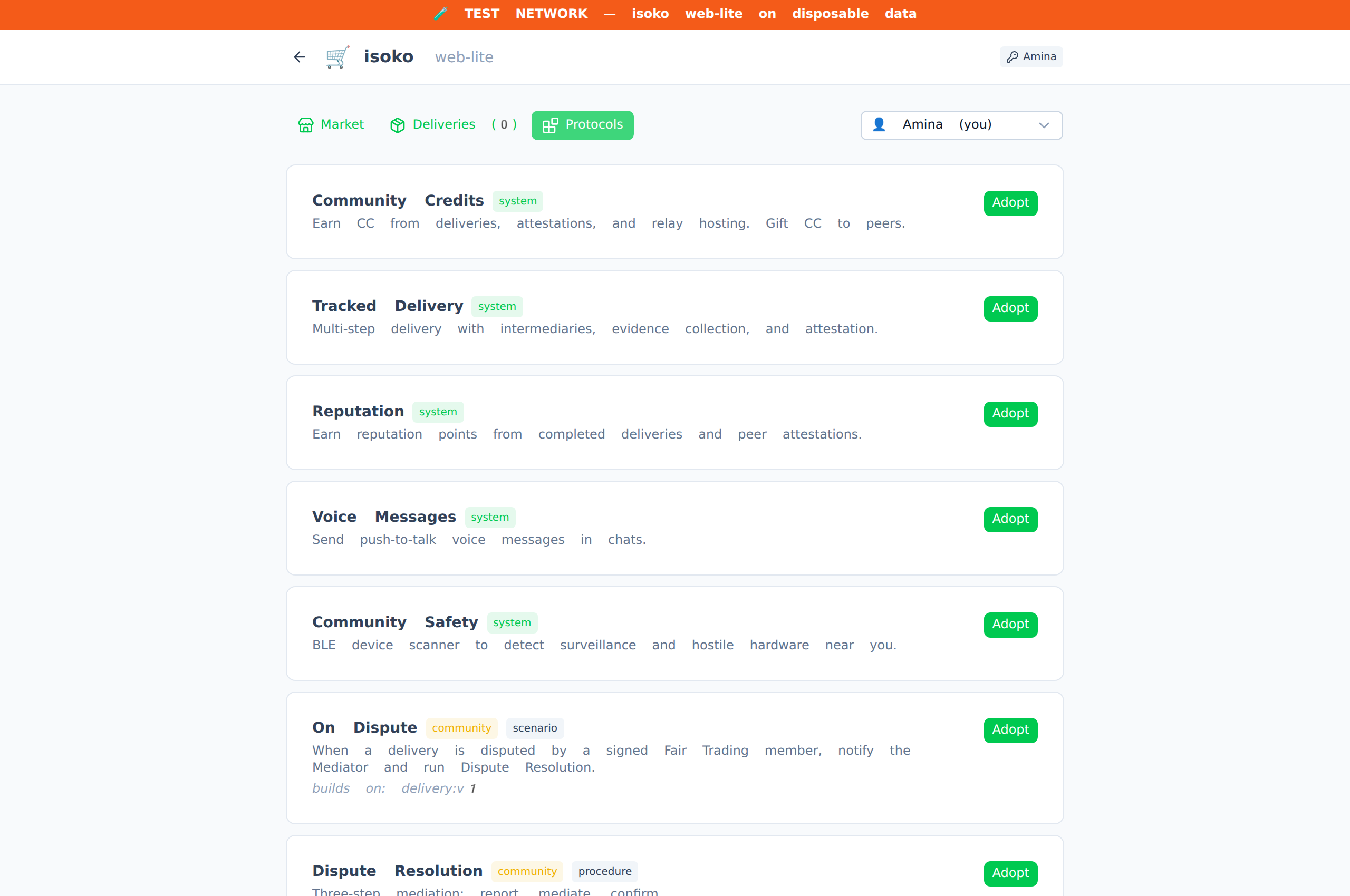
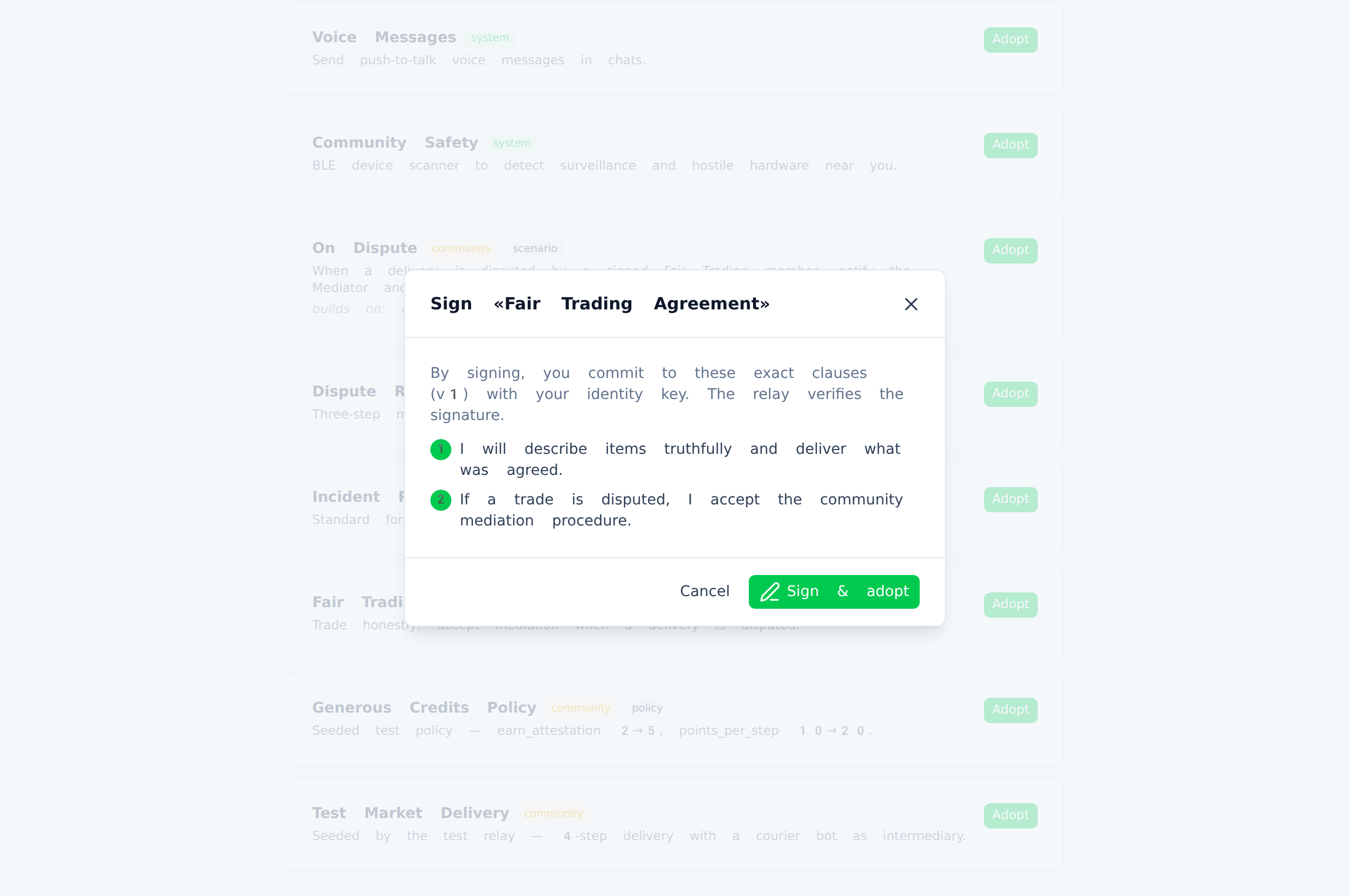
Adopting an agreement-type protocol shows its exact clauses and asks you to sign them with your identity key before it takes effect:
| Protocol | Scope | What it unlocks |
|---|---|---|
Community Credits (cc:v1) | global | The CC balance in Wallet, earning credits from deliveries and attestations, gifting credits in chat, the relay hosting bonus |
Tracked Delivery (delivery:v1) | connection | Multi-step delivery tracking, step attestation, trusted intermediaries, evidence collection |
Reputation (reputation:v1) | global | Reputation points for completed steps, the community leaderboard in Settings |
Voice Messages (voice:v1) | connection | The push-to-talk microphone button in chats |
Community Safety (safety:v1) | global | The wireless device scanner in the Safety tab |
Scope tells you where a protocol acts: global protocols change what you see across the whole app; connection protocols shape what happens between you and a specific trading partner.
Community protocols
Communities can define their own protocols in abantu — for example, a market's own delivery procedure with named escrow agents. When a community ratifies and publishes a protocol, it appears in isoko's Settings → Protocols with an orange community badge, alongside the system ones.
If you adopt a protocol in abantu with the same identity you use in isoko, isoko picks it up automatically the next time you go online — the features unlock without any extra steps.
Listings and messaging