Abantu
Communities
Creating and joining a community, and what the five community tabs are for.
This is the summer 2026 guide.
Some of it has changed since. A new guide (v1) is being written.
Communities
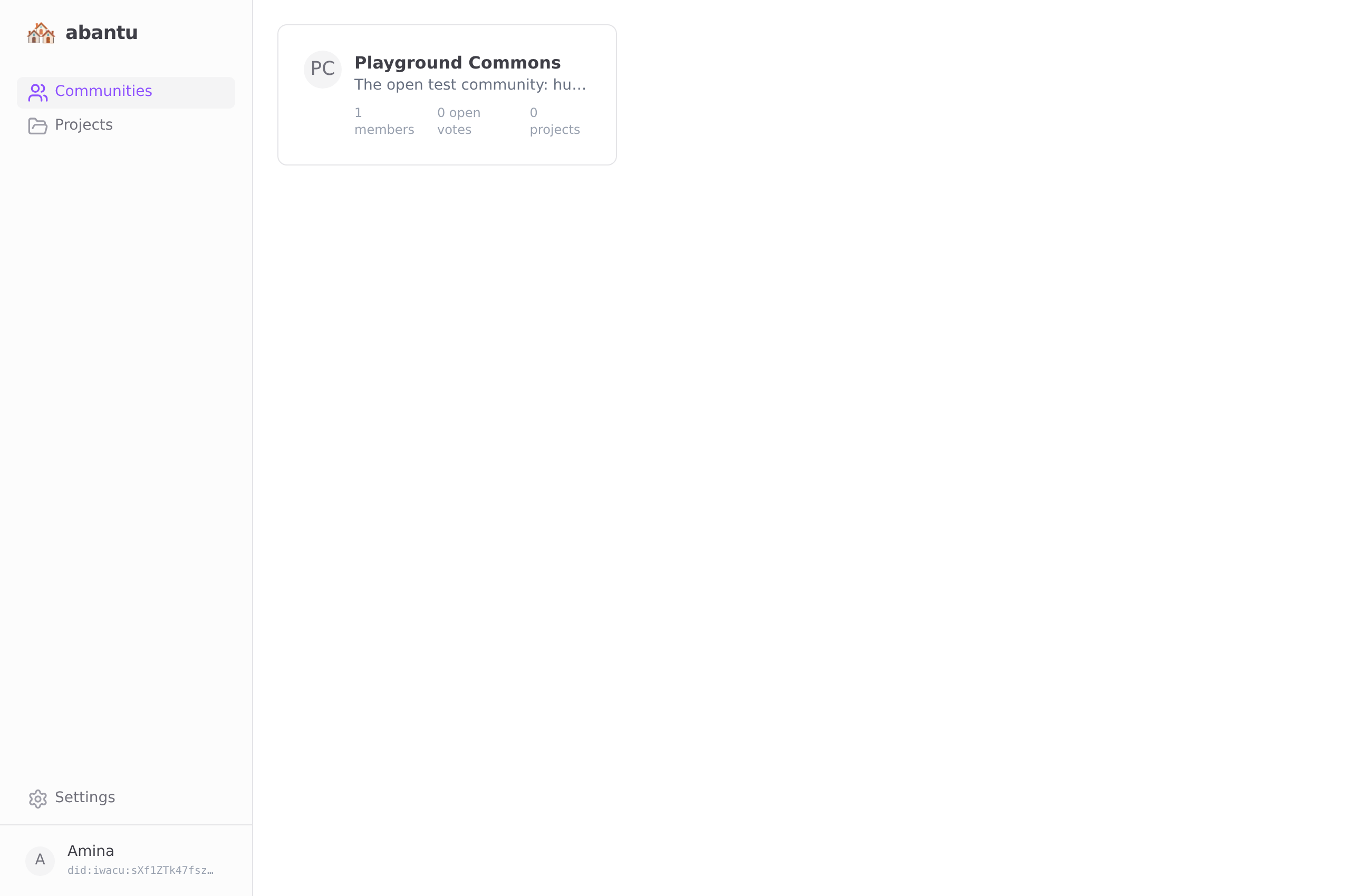
Creating a community
Tap the + button on the communities screen.
| Field | Purpose |
|---|---|
| Name | Short and recognisable. Others will see this. |
| Description | One or two sentences: what is this group for? |
After you tap Create, you are automatically added as the first member. Share the invite link to bring others in.
Joining a community
Someone who is already in a community can generate an invite link. Open that link on your device — or scan the QR code if shown — and tap Join.
You will see the community briefly sync before your name appears in the members list. This is normal. The app is loading the existing event history from the relay.
Your join event is broadcast to all members. Everyone will know when you joined and under what display name. There is no silent entry.
The community screen
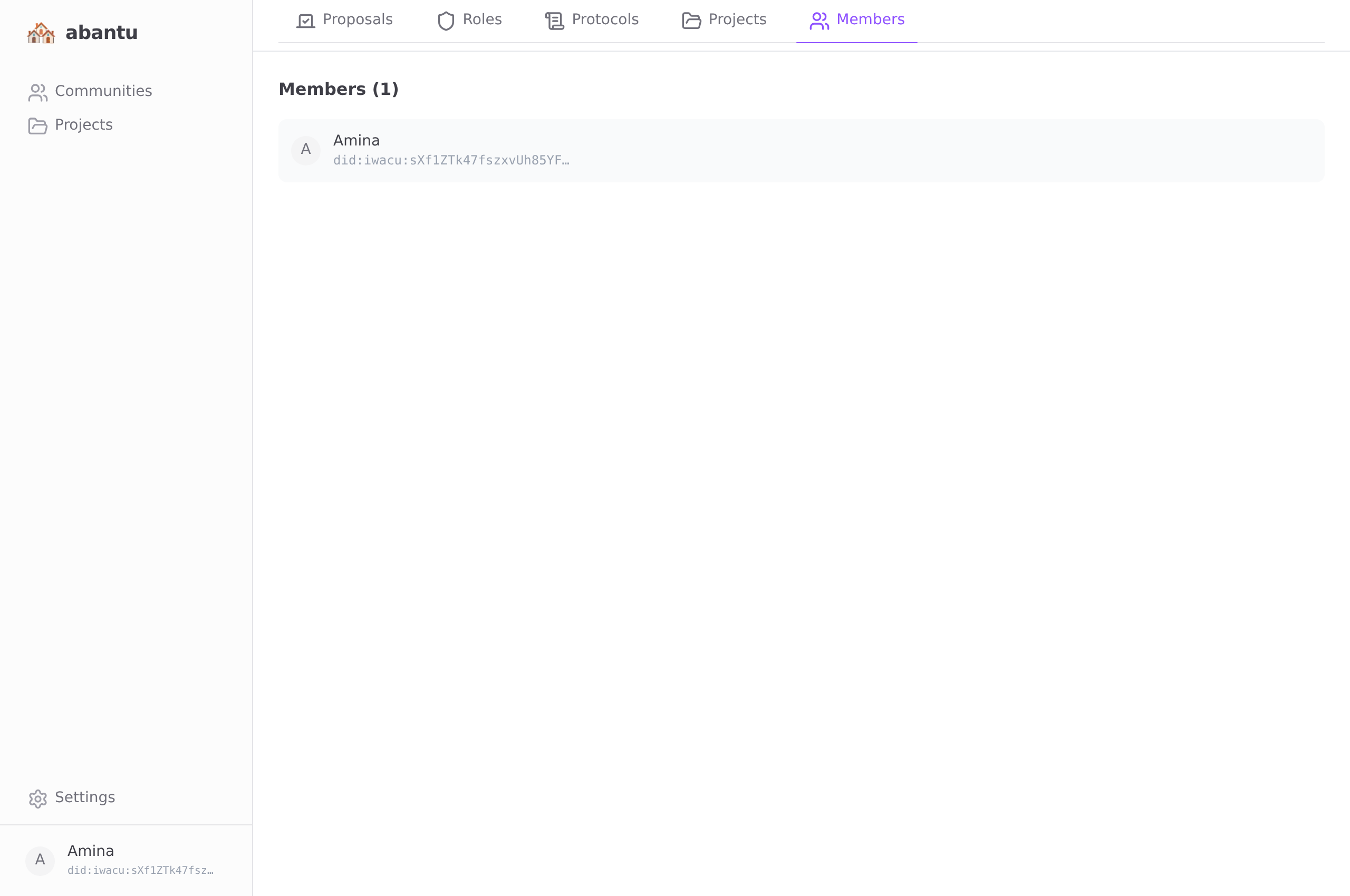
A community has five tabs.
| Tab | What you will find |
|---|---|
| Overview | Members list, governance protocol, invite button |
| Protocols | Community protocols — full lifecycle management |
| Projects | Shared projects, tasks, goals, chat |
| Proposals | Open and closed votes |
| Roles | Governance role assignments |
Protocols