Sync and Relay
Sync and Relay
By default, abantu works offline. Your event log is stored locally. When two members are on the same device session or share an invite, events merge.
For real-time sync across devices, a relay server is needed.
What the relay does
The relay is a WebSocket server that holds events for each community cell and delivers them to members when they connect. It does not store identities, display names, or any data beyond the signed events it receives.
Using a relay
The relay URL is configured when the app is deployed. If your community administrator has set one up, it is already active — you will see events from other members appear in real time without any extra steps.
Running your own relay
See Relays for instructions on running the relay server.
The isoko marketplace relay
Abantu talks to a second, separate relay: the isoko relay. This is where published protocols and your protocol adoptions are shared so that isoko can pick them up.
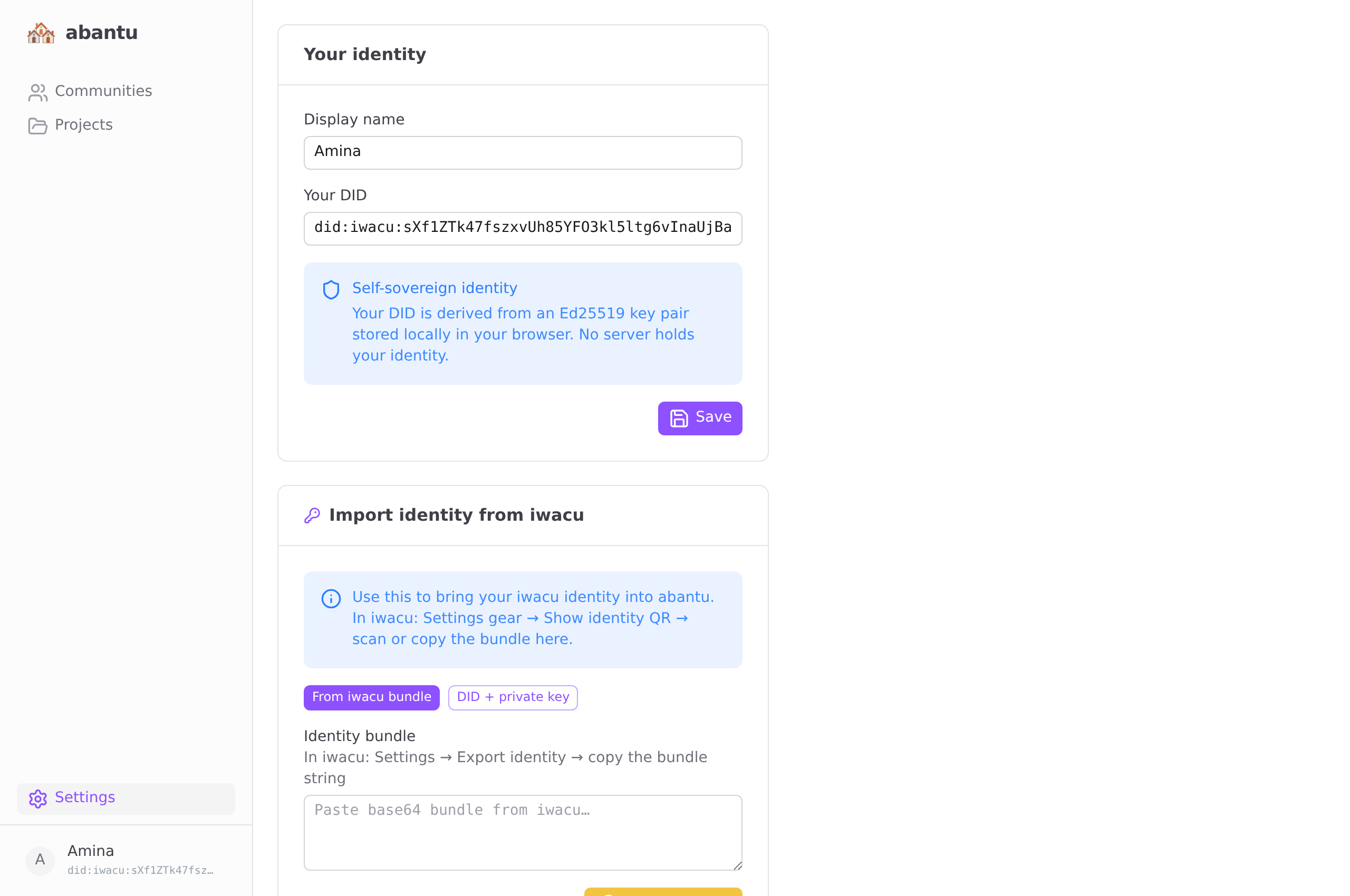
Configure it in Settings → isoko marketplace relay. The default points at the public relay; if your community runs its own isoko relay, paste its URL here. Both bridges are best-effort — if the isoko relay is unreachable, abantu continues to work normally and only the cross-app sync is delayed.
Identity and devices